
One hub for every AI audio workflow
Voice · Music · Sound EffectsStart with voice and authorized cloning, songs and instrumentals, or sound effects and ambience, then move into the specialized tool with its full model-native controls.
Start from the audio job you actually need
See exact generation prompt
Welcome to our AI Voice Generator! This is an example of the text-to-speech conversion. You can customize the voice, speed, and content to create your own unique audio experience. Try it out and bring your words to life!
Generate multilingual speech, design a voice, or use an authorized reference with dedicated voice models.
Create songs, vocals, instrumentals, beats, cues, and soundtracks with lyrics and musical controls where supported.
Create effects, ambience, room tone, transitions, interfaces, and layered soundscapes.
Edit, vary, continue, or inpaint existing authorized audio when the selected model exposes those inputs.
Explore every live AI audio model
 k2-fsaOmniVoice
- Input → output
- text / audio → audio
- Released
- Apr 1, 2026
- Formats
- WAV · MP3
- Cloning
- Zero-shot voice clone · Voice design
Massively multilingual zero-shot TTS with Voice Clone and Voice Design modes, prompt preprocessing, speed, duration, and diffusion controls.
 ACE-StepACE-Step 1.5
- Input → output
- text → audio
- Released
- Jan 16, 2026
- Duration
- 10–300 sec
- Formats
- MP3 · WAV · FLAC
- Controls
- BPM · Key · Lyrics · Style tags
Music model for structured songs with style tags, lyrics, BPM, key, language, and long durations.
 Stability AIStable Audio 3 Medium
- Input → output
- text / audio → audio
- Released
- Jun 10, 2024
- Duration
- Up to 180 sec (Stereo 44.1kHz)
- Formats
- WAV · MP3
- Editing
- Audio-to-audio · Inpainting
Fast high-quality music and sound generation with audio-to-audio editing, inpainting, and continuation.
 MiniMaxMiniMax Music 1.5
- Input → output
- text → audio
- Released
- Aug 30, 2024
- Formats
- MP3 · WAV (up to 44.1kHz)
- Structure
- Lyrics · Verse/Chorus tags
Song model for natural vocals and rich arrangements with English or Chinese structured lyrics.
 Inworld AIInworld TTS-1.5 Mini
- Input → output
- text → audio
- Released
- Jan 21, 2026
- Voices
- 20+ expressive character voices
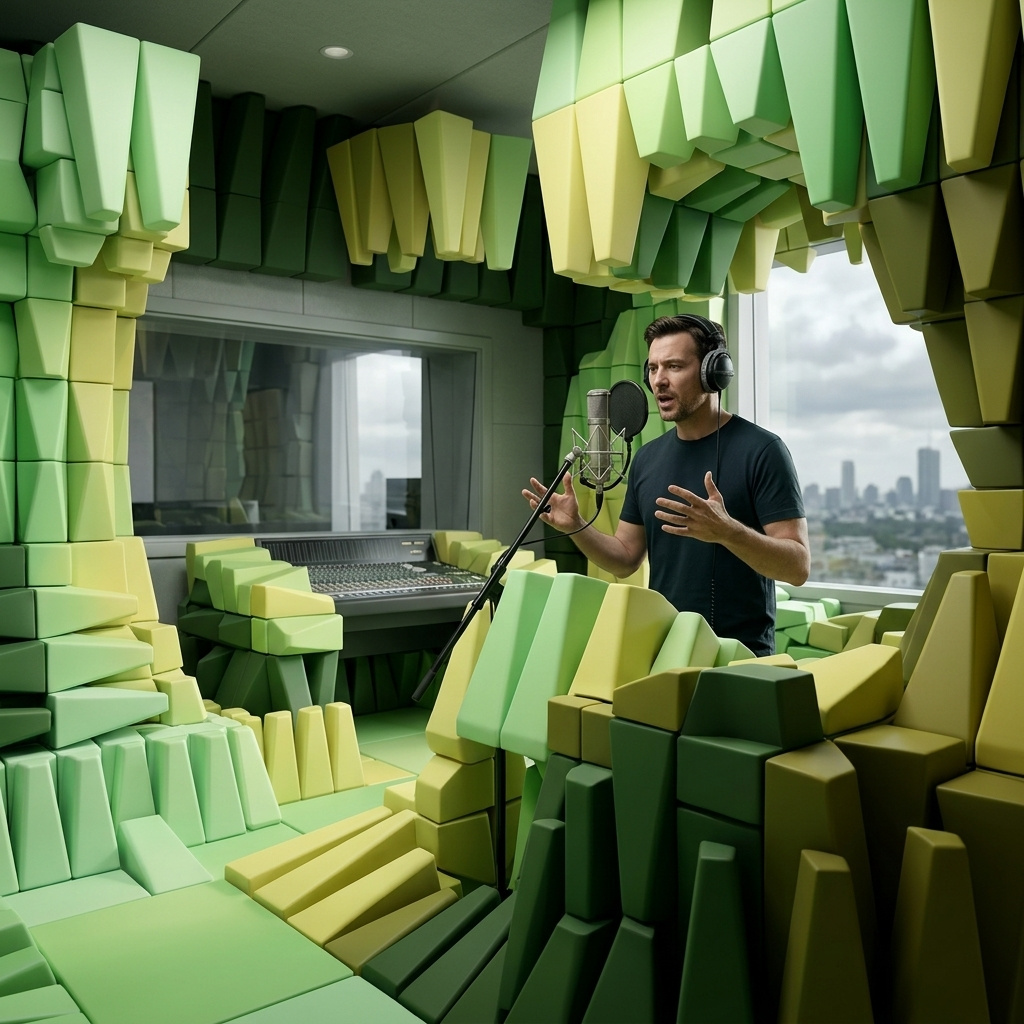
Low-latency expressive TTS for responsive characters, assistants, and real-time narration.

 xAIxAI Text-to-Speech
- Input → output
- text → audio
- Released
- Mar 16, 2026
- Voices
- 20+ voices · Inline speech tags
Expressive multilingual TTS with named voices and inline tags for pauses, emphasis, and style.
 OpenAIOpenAI TTS (Text to Speech)
- Input → output
- text → audio
- Released
- Nov 6, 2023
- Formats
- MP3 · AAC · Opus · FLAC
- Voices
- 6 voices (Alloy, Shimmer, etc.)
Reliable OpenAI text-to-speech for clear narration, dialogue, and assistant voice output.

 Fish AudioFish Audio S2.1 Pro
- Input → output
- text → audio
- Released
- Jun 1, 2026
- Price
- ≈ $0.0165/1K bytes
- Formats
- MP3 · WAV · FLAC · OGG
Flagship multilingual text-to-speech with natural language voice control and realtime streaming
 Inworld AIInworld Realtime TTS-2
- Input → output
- text → audio
- Released
- May 5, 2026
- Price
- ≈ $0.0385/1K chars
- Formats
- MP3 · WAV · FLAC · OGG
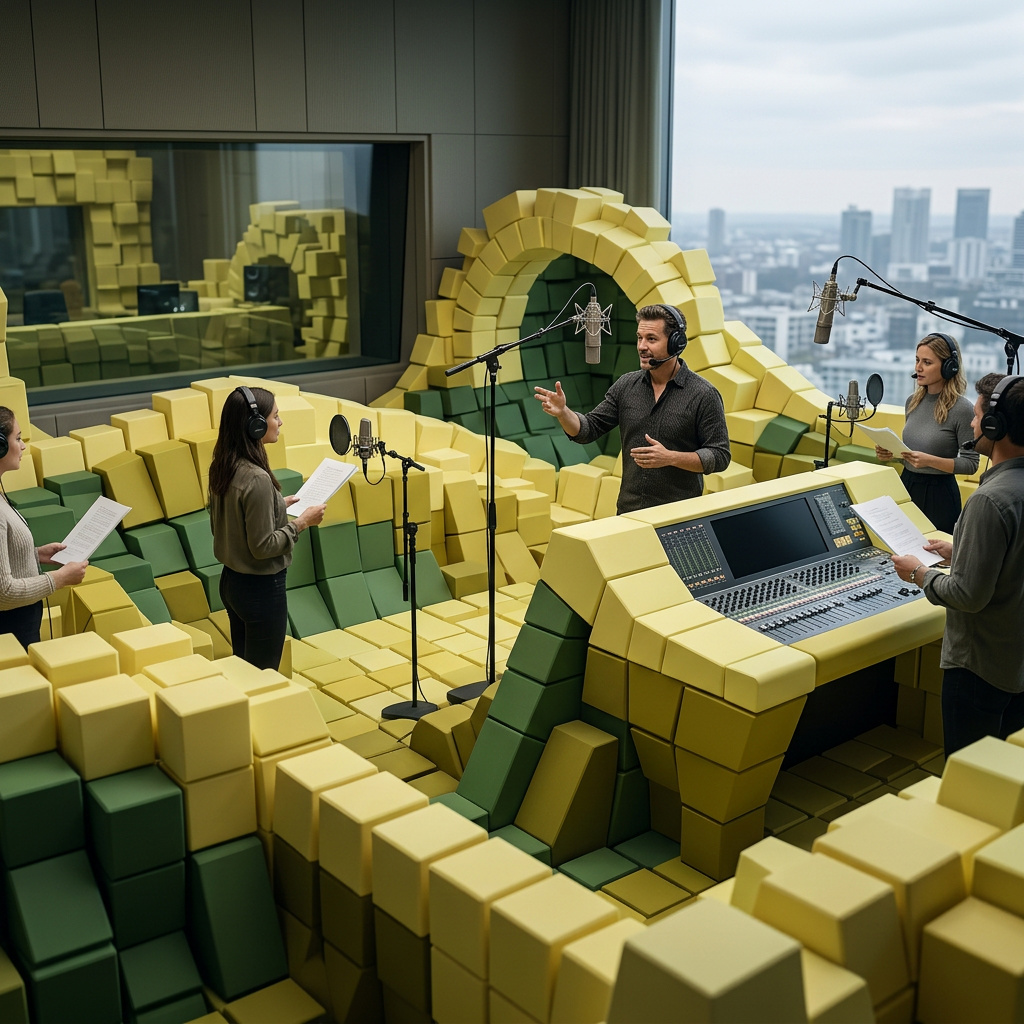
Conversational text-to-speech with realtime voice direction and audio-aware delivery

 GoogleGemini 3.1 Flash TTS
- Input → output
- text → audio
- Released
- Apr 15, 2026
- Price
- ≈ $0.00683–0.0306/use
- Formats
- MP3 · WAV · FLAC · OGG
Expressive text-to-speech with audio tags, multi-speaker dialogue, and 70+ languages
 MiniMaxMiniMax Music 2.6
- Input → output
- text → audio
- Released
- Apr 10, 2026
- Price
- ≈ $0.165/use
- Formats
- MP3 · WAV · FLAC · OGG
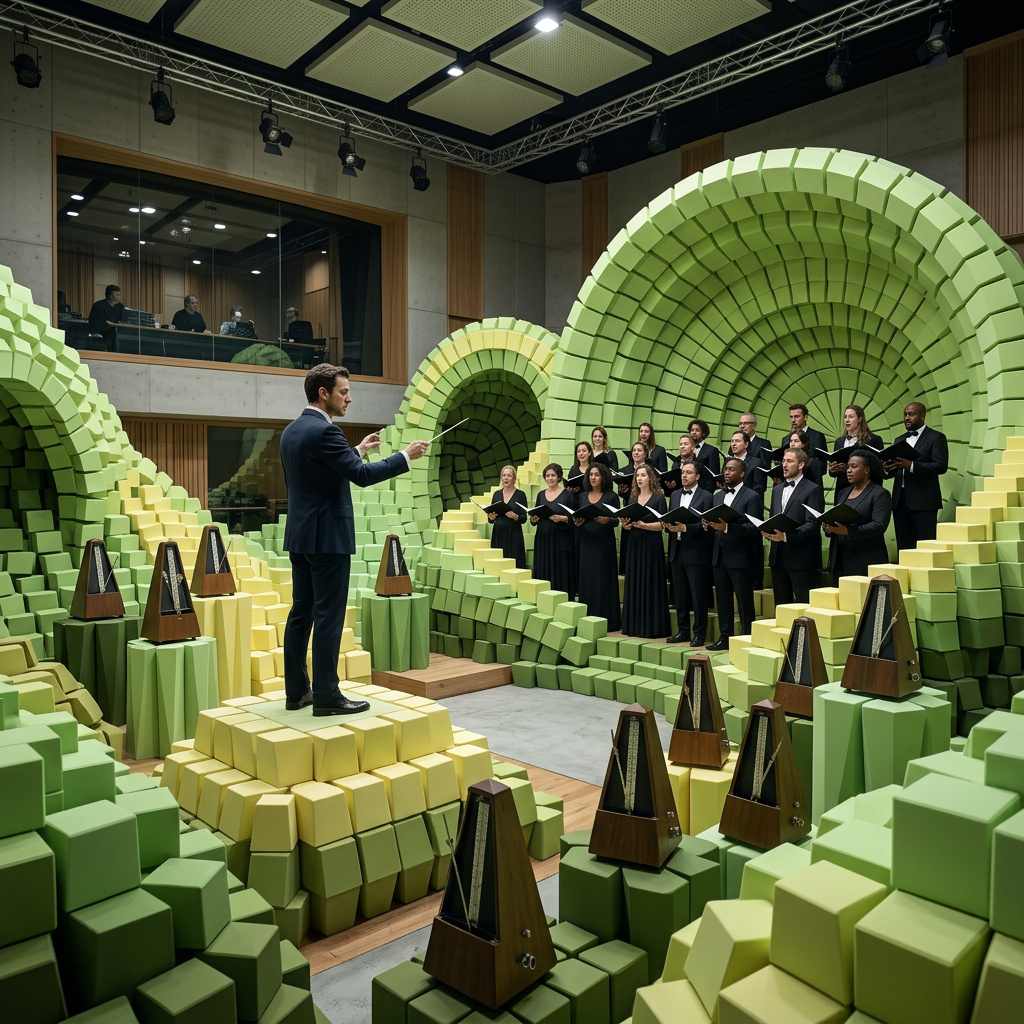
Promptable full-song generation with vocals, lyrics, BPM and key control
 MiniMaxMiniMax Music Cover
- Input → output
- text / audio → audio
- Released
- Apr 10, 2026
- Price
- ≈ $0.165/use
- Formats
- MP3 · WAV · FLAC · OGG
Audio-to-audio song transformation that preserves melody while changing style

- Input → output
- text / audio → audio
- Released
- Apr 2, 2026
- Price
- ≈ $0.0000715/sec · ≈ $0.00429–0.00842/use
- Duration
- 30–300 sec
- Formats
- MP3 · WAV · FLAC · OGG
4B music generation model with higher audio quality and full editing task support
- Input → output
- text / audio → audio
- Released
- Apr 2, 2026
- Price
- ≈ $0.0000715/sec · ≈ $0.0106–0.0158/use
- Duration
- 30–300 sec
- Formats
- MP3 · WAV · FLAC · OGG
Highest-quality 4B music generation model with CFG-controlled prompt adherence

- Input → output
- text / audio → audio
- Released
- Apr 2, 2026
- Price
- ≈ $0.0000165/sec · ≈ $0.00215–0.00528/use
- Duration
- 30–300 sec
- Formats
- MP3 · WAV · FLAC · OGG
Fast 4B music generation model with 8-step inference for higher-quality rapid iteration
 MiniMaxMiniMax Speech 2.8
- Input → output
- text → audio
- Released
- Jan 29, 2026
- Price
- ≈ $0.066–0.11/1K chars
- Formats
- MP3 · WAV · FLAC · OGG
High-quality text-to-speech with expressive, natural voice synthesis
 Inworld AIInworld TTS-1.5 Max
- Input → output
- text → audio
- Released
- Jan 21, 2026
- Price
- ≈ $0.055/1K chars
- Formats
- MP3 · WAV · FLAC · OGG
High-fidelity expressive text-to-speech with rich prosody and multilingual support

 AlibabaQwen3-TTS 1.7B Base
- Input → output
- text / audio → audio
- Released
- Jan 1, 2026
- Price
- ≈ $0.0165/1K chars
- Formats
- MP3 · WAV · FLAC · OGG
High-quality multilingual text-to-speech with voice cloning and ultra-low latency
 AlibabaQwen3-TTS 1.7B CustomVoice
- Input → output
- text → audio
- Released
- Jan 1, 2026
- Price
- ≈ $0.0165/1K chars
- Formats
- MP3 · WAV · FLAC · OGG
Text-to-speech with preset premium timbres and precise style control
 AlibabaQwen3-TTS 1.7B VoiceDesign
- Input → output
- text → audio
- Released
- Jan 1, 2026
- Price
- ≈ $0.0165/1K chars
- Formats
- MP3 · WAV · FLAC · OGG
Text-to-speech with voice creation from natural language descriptions
Choose an audio model by source and deliverable
Speech, songs, and sound effects use different inputs and evaluation criteria.
 Stable Audio 3 Medium
- Best for
- Sound effects, ambience, instrumental beds, and audio variation
- Why choose it
- Supports text direction plus duration, negative prompting, source-audio editing, and multiple outputs.
- Watch for
- Long or event-dense prompts may blur timing; generate separable layers when editability matters.
OmniVoice- Best for
- Voice design and authorized multilingual cloning
- Why choose it
- Combines designed voice attributes, 646 languages, reference audio, target duration, and nonverbal cues.
- Watch for
- Consent, identity, pronunciation, and language quality require explicit human review.
ACE-Step 1.5- Best for
- Structured songs, lyrics, vocals, and long instrumentals
- Why choose it
- Exposes lyrics, sections, language, tempo, key, meter, duration, and musical style controls.
- Watch for
- Musical structure and lyric intelligibility vary; export stems or revise externally for final production.
What AI audio generation cannot guarantee
Individual events, impacts, dialogue beats, and musical transitions may not land on the exact frame or timestamp requested.
Listen for clipping, noise, unstable pitch, phase problems, abrupt endings, repeated textures, and unintelligible speech before use.
Do not request imitation of protected recordings or unauthorized people. Clear music, voice, source-video, and reference-audio rights for the intended use.
A speech model is not a music model, and a music model is not a general sound-effects model. Choose from the live input contract.
Generated audio may need editing, loudness normalization, noise control, fades, stems, metadata, and format conversion before publication.
Audio examples
Browse real audio examples made with giz.ai.
How this page was reviewed
Written by giz.ai Product Team · Reviewed by giz.ai Model Operations · Updated 2026-07-16
giz.ai publishes this AI audio generator page about its own product. Model names, inputs, controls, access, and plan requirements come from the live giz.ai catalog; examples and editorial guidance explain practical use without promising flawless output.
- Match the AI audio generator default, offered models, and example inputs to active giz.ai model contracts.
- Run the public form through model selection, example application, and the canonical Assistant handoff.
- Audition representative speech, music, and sound-effect examples for clipping, relevance, and honest limitations.
- Verify one canonical URL, visible FAQs, structured data, internal links, desktop layout, and mobile layout.
AI audio hub FAQ
What kinds of audio can I generate?
The hub includes dedicated models for speech, authorized voice cloning, music, effects, ambience, and Foley.
Why are there separate voice and music pages?
They serve distinct tasks and expose richer guidance for their inputs. This hub provides the complete inventory and routes each job to its focused workflow without duplicating model contracts.
Do all audio models use the same inputs?
No. Text, lyrics, reference audio, source video, duration, voices, languages, and formats come directly from the selected live model contract.
How do I prompt a sound effect?
Name the sound source, action, material, space, distance, direction, timing, intensity, and unwanted elements. Ask for separate layers when you need control in an editor.
Can I edit or extend existing audio?
Some models accept source audio and editing strength. Select the model first and use only the source, duration, and format fields its live contract exposes.
Can generated audio be used commercially?
That depends on your source rights, the model and provider terms, and the intended use. You remain responsible for voice consent, music rights, claims, disclosure, and final clearance.
Which output format should I choose?
Use a lossless format such as WAV for editing when offered, and a compressed format for distribution only after checking loudness and quality. Available formats vary by model.