Create images that follow the brief
Generate · Edit · TransformGenerate, edit, restore, relight, localize, and transform images with live model-native controls in one workspace.
From a prompt to a production-ready direction
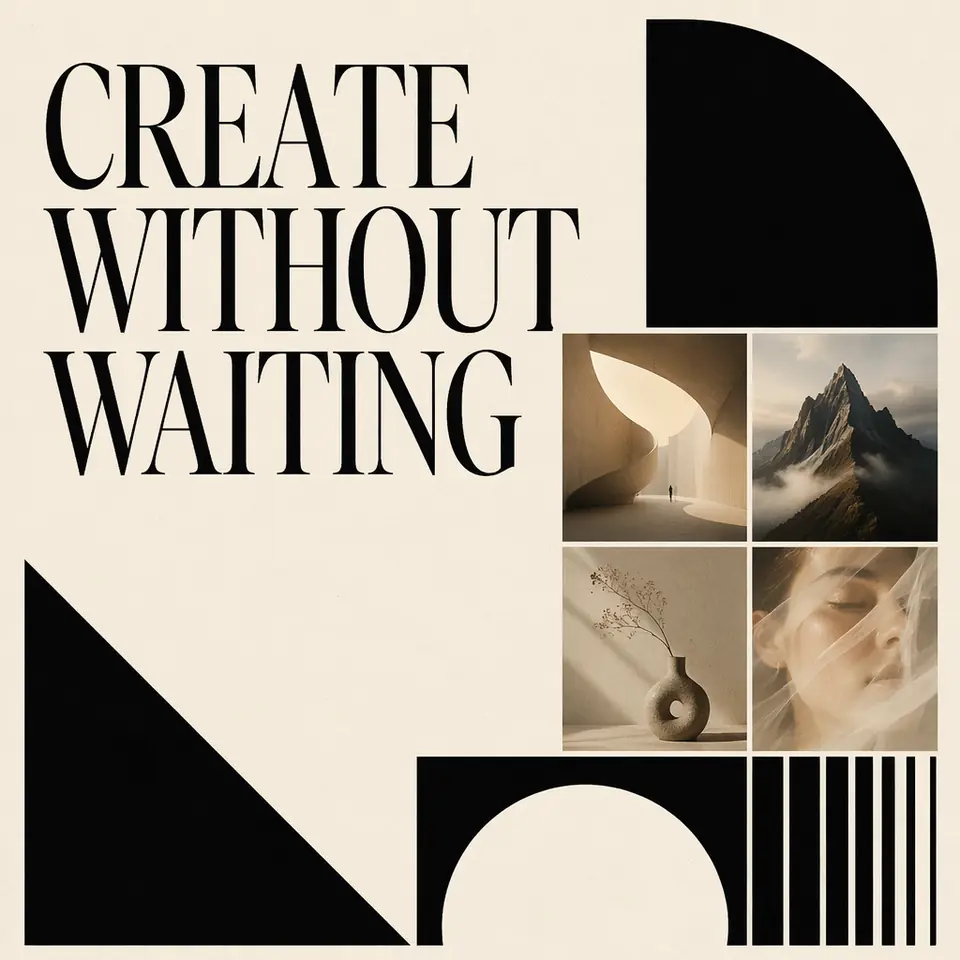
See exact generation prompt
Design a launch poster with a clear headline, restrained type hierarchy, and one confident product image.
Use models suited to posters, slides, UI, infographics, labels, and localized text.
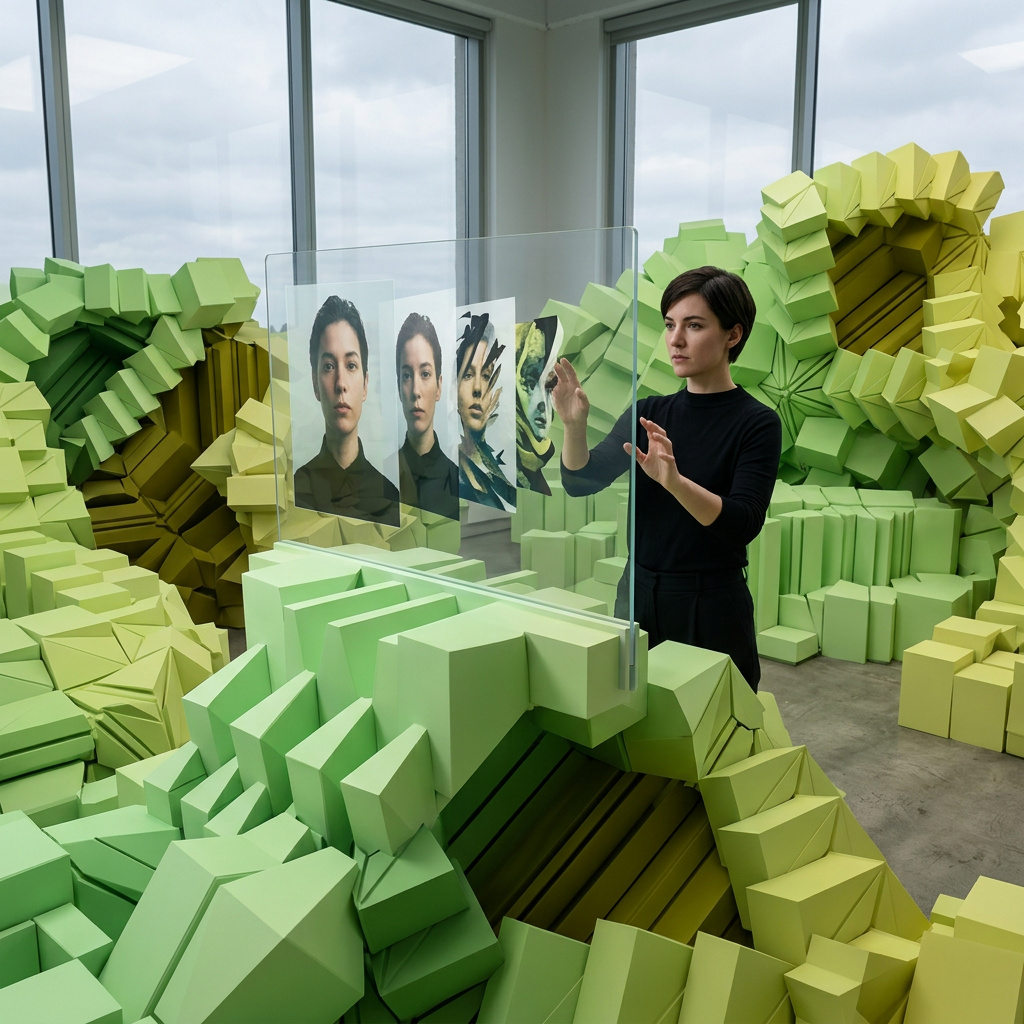
Preserve what matters while replacing, cleaning, relighting, or restyling a controlled area.
Choose by realism, illustration, speed, typography, editing, or reference fidelity.
Size, references, masks, styles, and other fields come from the selected model contract.
Image models
 KREAKREA 2 Turbo
- Input → output
- text / image → image
- Released
- May 12, 2026
- Capabilities
- Identity editing · Character sheets · Inpainting · Outpainting
- Resolution
- 512–2048 px
- Formats
- PNG · JPG · WEBP
- References
- Up to 2 images
Fast aesthetic image generation, identity-aware editing, character sheets, inpainting, and outpainting with KREA 2 Turbo.
 Black Forest LabsFLUX.3 [klein]
- Input → output
- text / image → image
- Released
- Oct 20, 2026
- Capabilities
- Image editing · Multiple references · Fast generation
- Resolution
- 768–1536 px
- Formats
- PNG · JPG
- References
- Up to 4 images
Fast FLUX.3 image generation and editing with up to four reference images.
 Tongyi LabZ-Image Turbo
- Input → output
- text → image
- Released
- May 12, 2026
- Capabilities
- Photorealism · Fast typography · High prompt adherence
- Resolution
- 1024–2048 px · 1K / FHD / 2K
- Formats
- WEBP · PNG · JPG
- Speed
- ~4 sec per 1024 px image
Fast image model for photorealistic images, clear typography, and close prompt adherence; a 1024 px image takes about 4 seconds.
 Black Forest LabsFLUX.2 [klein] 9B
- Input → output
- text / image → image
- Released
- Jan 23, 2026
- Capabilities
- Edit
- References
- Up to 4 images
- Resolution
- 128–2048 px
- Formats
- JPG · PNG · WEBP
Balanced FLUX.2 image model for prompt accuracy, editing, references, and fast production use.
Black Forest LabsFLUX.1 Schnell- Input → output
- text / image → image
- Released
- Aug 1, 2024
- Capabilities
- Fast generation · Prompt adherence · Variations
- Resolution
- 512–2048 px
- Formats
- PNG · JPG · WEBP
- References
- Up to 1 image
Fast FLUX image model for quick text-to-image drafts, variations, and lightweight edits.
 Stability AISDXL
- Input → output
- text / image → image
- Released
- Jul 26, 2023
- Capabilities
- LoRA · ControlNet · Inpainting
- Resolution
- 512–1536 px
- Formats
- PNG · JPG · WEBP
- References
- ControlNet · Guide image
Flexible SDXL workflow with checkpoint, LoRA, ControlNet, inpainting, and style controls.
Stability AIStable Diffusion 1.5- Input → output
- text / image → image
- Released
- Oct 20, 2022
- Capabilities
- Checkpoints · LoRA · Inpainting
- Resolution
- 512–1024 px
- Formats
- PNG · JPG · WEBP
- References
- Checkpoints · LoRA
Classic SD 1.5 workflow for fast image generation with many checkpoints and LoRAs.
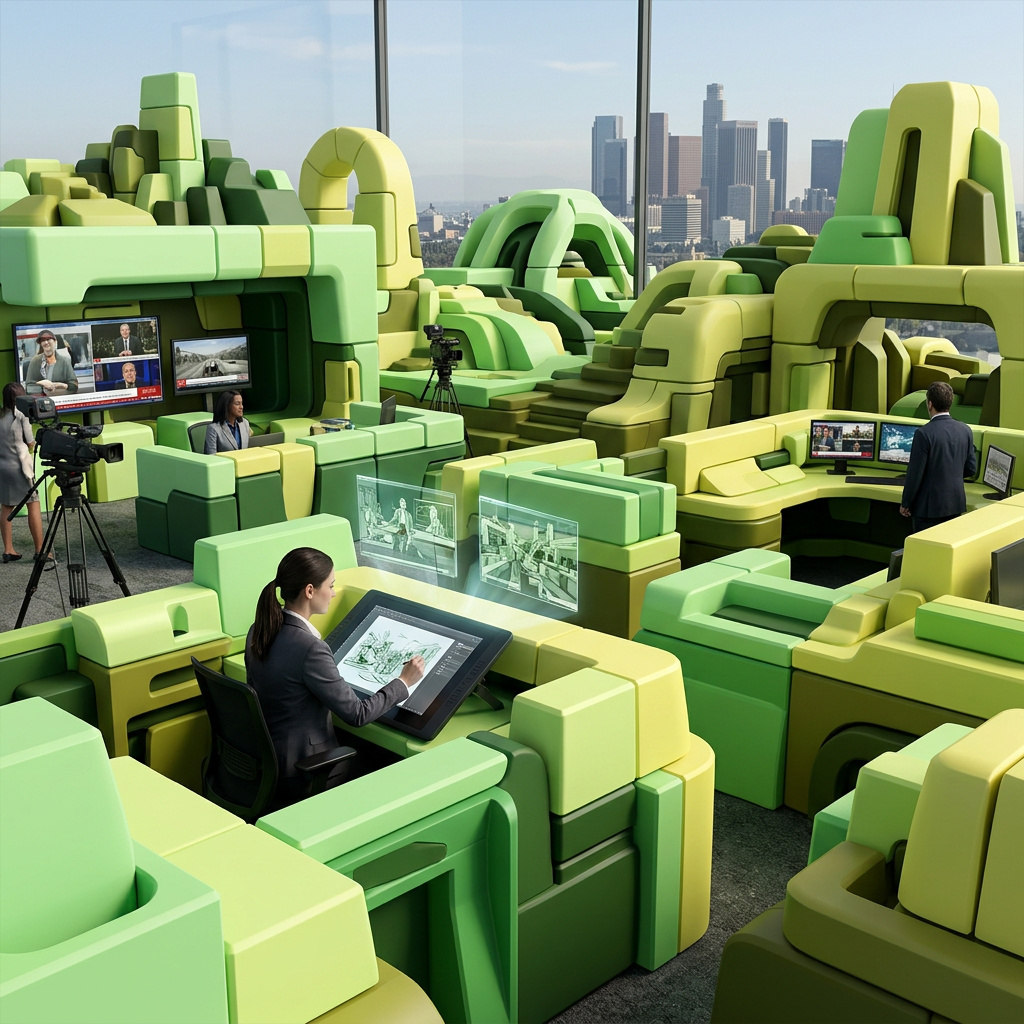
 ByteDanceSeedream 5.0 Lite
- Input → output
- text / image → image
- Released
- Feb 24, 2026
- References
- Up to 14 images
- Formats
- JPG · PNG · WEBP
ByteDance image model for fast generation, reference images, and polished social-ready visuals.
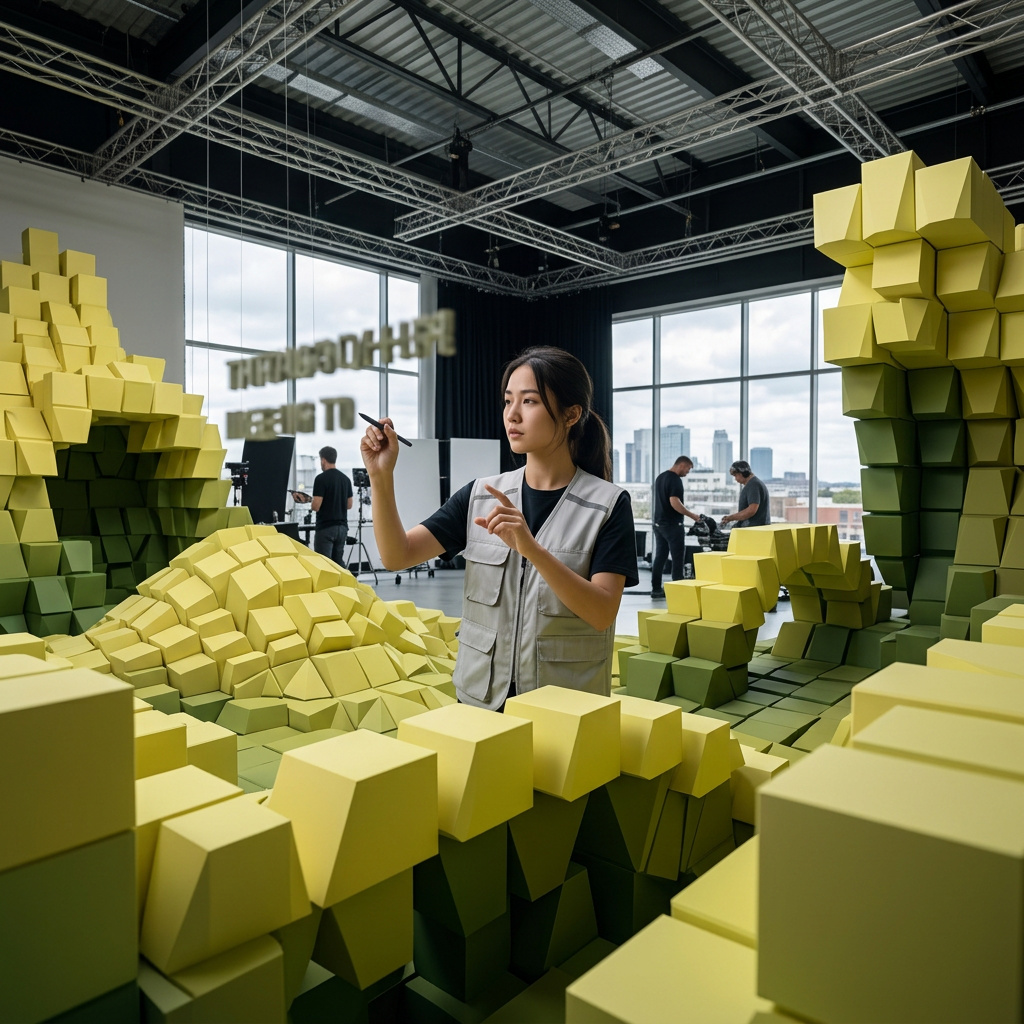 Black Forest LabsFLUX.2 [flex]
- Input → output
- text / image → image
- Released
- Nov 25, 2025
- Capabilities
- Edit
- Resolution
- 768–2048 px
- Formats
- JPEG · PNG
- References
- Up to 4 images
Flexible FLUX.2 model for higher-control image generation and reference-guided editing.
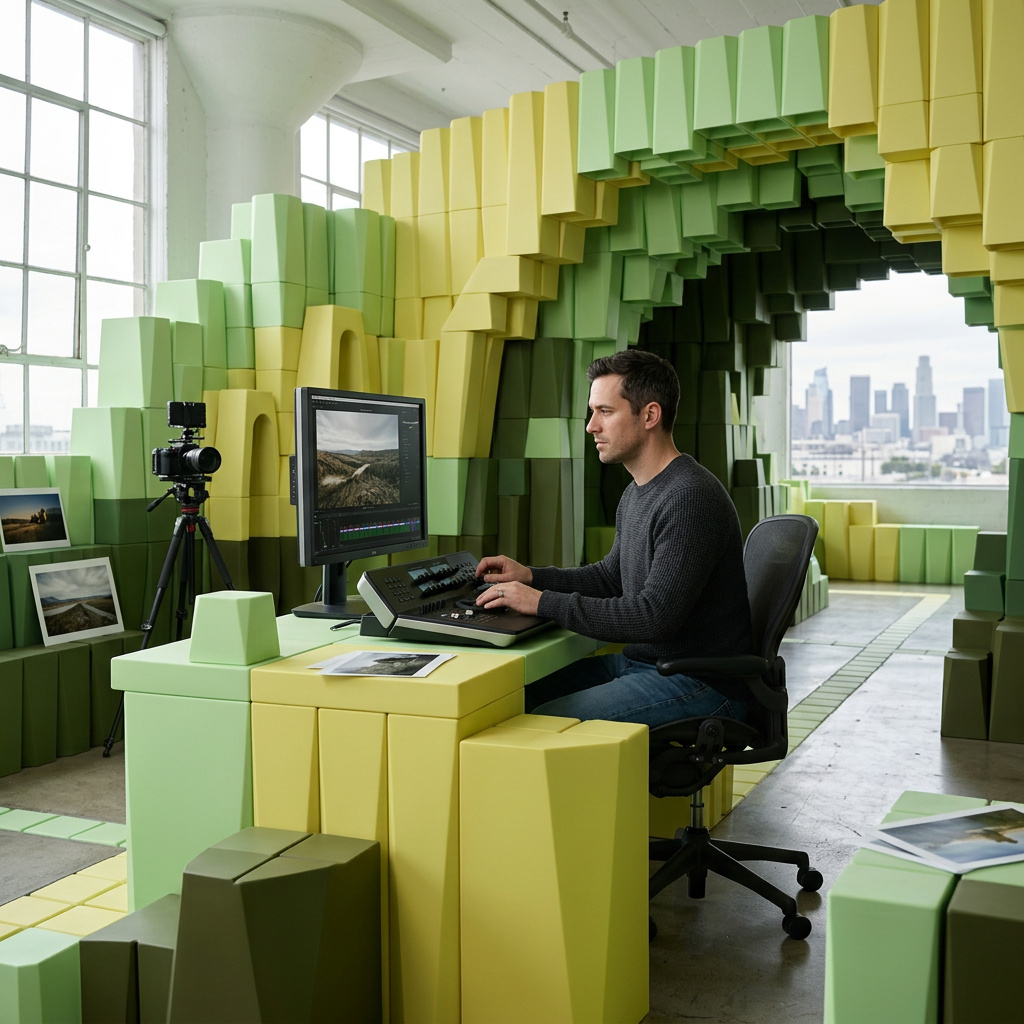 Black Forest LabsFLUX.2 [pro]
- Input → output
- text / image → image
- Released
- Nov 25, 2025
- Capabilities
- Edit
- Resolution
- 768–2048 px
- Formats
- JPEG · PNG
- References
- Up to 4 images
Higher-quality FLUX.2 model for polished visuals, detailed prompts, and production images.
 RecraftRecraft V4.1 Vector
- Input → output
- text / image → image
- Released
- Feb 17, 2026
- Resolution
- Vector / Scalable
- Formats
- SVG · PNG · WEBP
Current Recraft vector model for scalable SVG logos, icons, marks, and clean graphic assets.
ByteDance SeedSeedVR2 Image Upscaler- Input → output
- image → image
- Released
- Feb 24, 2026
- Capabilities
- Image upscaling · Restoration · 2× · 3× · 4×
- Input
- Image required
- Resolution
- 2× · 3× · 4× up to 4K
Restore and enlarge an image 2×–4× with the compact one-step SeedVR2 model.
 PramaBackground Remover
- Input → output
- image → image
- Released
- Jan 20, 2025
- Input
- Image required
- Formats
- PNG (Transparent)
Background removal model that isolates the subject and outputs a clean cutout from an image.
 S-Lab, NTURestoring old photo
- Input → output
- image → image
- Released
- Aug 8, 2022
- Capabilities
- Face restoration · Upscale
- Input
- Image required
- Resolution
- Up to 4K upscale
- Formats
- PNG · JPG · WEBP
Face restoration model for repairing old, blurry, damaged, or low-resolution portraits.
 Jason AnticColourising old photo
- Input → output
- image → image
- Released
- May 20, 2020
- Capabilities
- Photo colorization · Restoration
- Input
- Image required
- Resolution
- Up to 2048 px
- Formats
- PNG · JPG · WEBP
Photo colorization model for adding natural color to black-and-white or faded images.
 OpenAIGPT Image
- Input → output
- text / image → image
- Released
- Sep 8, 2026
- In / out price
- $5.5 in · $33 out /1M tokens
- Capabilities
- Edit · Transparency
- Resolution
- 1024–3840 px (1K · 2K · 4K)
- Formats
- PNG · JPEG · WEBP
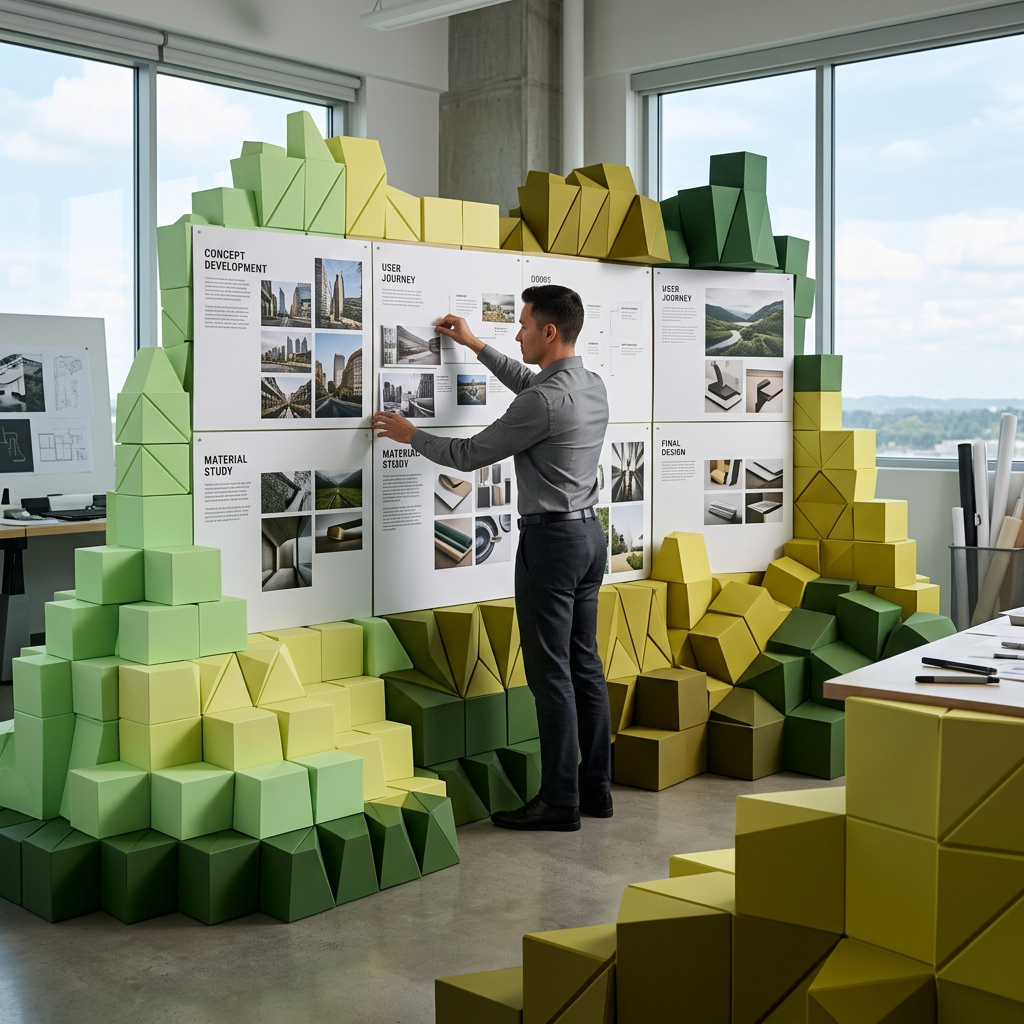
OpenAI image model for precise prompt following, references, text rendering, and edits.
 OpenAIGPT Image 2.5 Lite
- Input → output
- text / image → image
- Released
- Apr 21, 2026
- In / out price
- $5.5 in · $33 out /1M tokens
- Capabilities
- Edit · Transparency
- Resolution
- 1024x1024 · 1024x1536 · 1536x1024
- Formats
- PNG · JPEG · WEBP
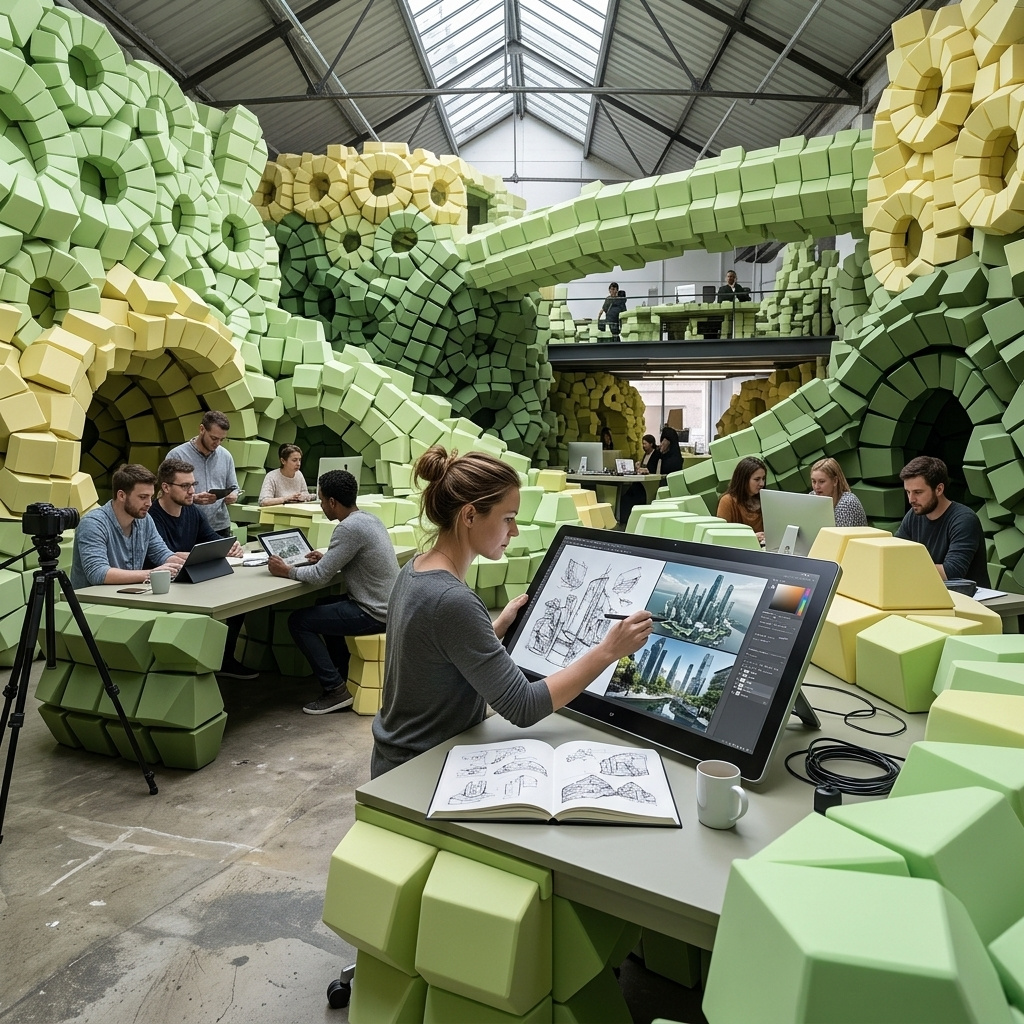
Lightweight OpenAI image model for fast generation and reference edits.
 GoogleNano Banana 2
- Input → output
- text / image / video → image
- Released
- Feb 26, 2026
- Capabilities
- Edit
- References
- Up to 14 images
- Resolution
- 0.5K · 1K · 2K · 4K
- Formats
- JPG · PNG · WEBP
Gemini image model for fast creative generation, reference edits, and visual reasoning.
GoogleNano Banana 2 Lite- Input → output
- text / image / video → image
- Released
- Feb 26, 2026
- Resolution
- 0.5K · 1K · 2K
- Formats
- JPG · PNG · WEBP
- References
- Up to 14 images
Lighter Nano Banana 2 image model for faster generation, reference edits, and efficient visual iteration.
 AlibabaQwen Image 3.0
- Input → output
- text / image → image
- Released
- Aug 4, 2026
- Capabilities
- Edit
- References
- Up to 3 images
- Formats
- JPG · PNG · WEBP
Qwen image model for prompt-faithful generation, references, and strong text-in-image tasks.
Choose an image model by the visual job
Text rendering, realism, editing, vector output, speed, and reference fidelity are different strengths; no single model leads every task.
KREA 2 Turbo- Best for
- Fast drafts, concepts, and included experimentation
- Why choose it
- The current default offers a quick path from a detailed text brief to a usable visual direction.
- Watch for
- Review exact references, small typography, and complex anatomy before publishing.
 GPT Image
- Best for
- Instruction following, readable text, diagrams, and controlled edits
- Why choose it
- Useful when exact copy, layout constraints, multiple references, or named invariants matter.
- Watch for
- Review every character, label, logo-like mark, and referenced product detail before use.
 Nano Banana 2
- Best for
- Fast conversational generation and image editing
- Why choose it
- Combines generation and reference-based iteration for broad visual tasks.
- Watch for
- Complex multi-reference roles can drift; state each reference role and preserved element explicitly.
 FLUX.2 [klein] 9B
- Best for
- Efficient generation and reference-based edits
- Why choose it
- Provides image editing, quality, guidance, acceleration, and multi-result controls.
- Watch for
- Prompt strength and acceleration settings trade speed against fidelity and should be tested per asset.
Recraft V4.1 Vector- Best for
- Logos, icons, marks, and scalable vector output
- Why choose it
- Produces SVG-oriented assets when editability and clean geometry matter.
- Watch for
- Generated marks still require originality, trademark, small-size, and production review.
What AI image generation still gets wrong
Faces, hands, products, diagrams, small objects, and repeated characters may change between outputs or revisions.
Even text-capable models can omit, duplicate, misspell, or restyle copy. Check every character at full resolution.
Only upload material you are authorized to use, and review likeness, copyright, trademark, and publicity rights before publishing.
Aspect ratios, pixel sizes, formats, transparency, and variation counts come from the selected model contract.
Generated photographs, diagrams, and infographics must not be presented as documentary evidence or verified data without disclosure and review.
Image examples
Browse real image examples made with giz.ai.
How this page was reviewed
Written by giz.ai Product Team · Reviewed by giz.ai Model Operations · Updated 2026-07-16
giz.ai publishes this AI image generator page about its own product. Model names, inputs, controls, access, and plan requirements come from the live giz.ai catalog; examples and editorial guidance explain practical use without promising flawless output.
- Match the AI image generator default, offered models, and example inputs to active giz.ai model contracts.
- Run the public form through model selection, example application, and the canonical Assistant handoff.
- Check visible examples for prompt-result relevance, useful alt text, and a stated production tradeoff.
- Verify one canonical URL, visible FAQs, structured data, internal links, desktop layout, and mobile layout.
AI image generator FAQ
Can I generate images without signing up?
Some models include anonymous use. Current access and usage are shown on each model card.
Can I edit an existing image?
Yes. Choose an editing-capable model and attach the authorized source image. Available reference and mask fields depend on that model.
Which model should I choose?
Choose by the job: typography, realism, illustration, speed, vector output, reference fidelity, or controlled editing. The catalog and selection guide expose those differences directly.
How should I write an image prompt?
State the subject, action, composition, camera or viewpoint, materials, lighting, palette, exact text, intended format, and anything that must not change. One coherent scene is easier to judge than a list of unrelated ideas.
Can AI generate readable text and logos?
Some models are stronger at visual text or vector marks. Quote exact copy, forbid extra words, and review spelling, originality, trademark risk, and small-size legibility before production.
Can I use generated images commercially?
Commercial suitability depends on your inputs, the selected model and provider terms, and the intended use. You remain responsible for rights, disclosures, claims, likenesses, and brand review.
Why does the same prompt produce different images?
Generative sampling, model versions, references, settings, and provider updates introduce variation. Save the model, prompt, inputs, settings, and approved result when reproducibility matters.
How do I keep a character or product consistent?
Use authorized reference images, assign each reference a role, state identity and geometry invariants, constrain the change, and compare every revision with the approved source.